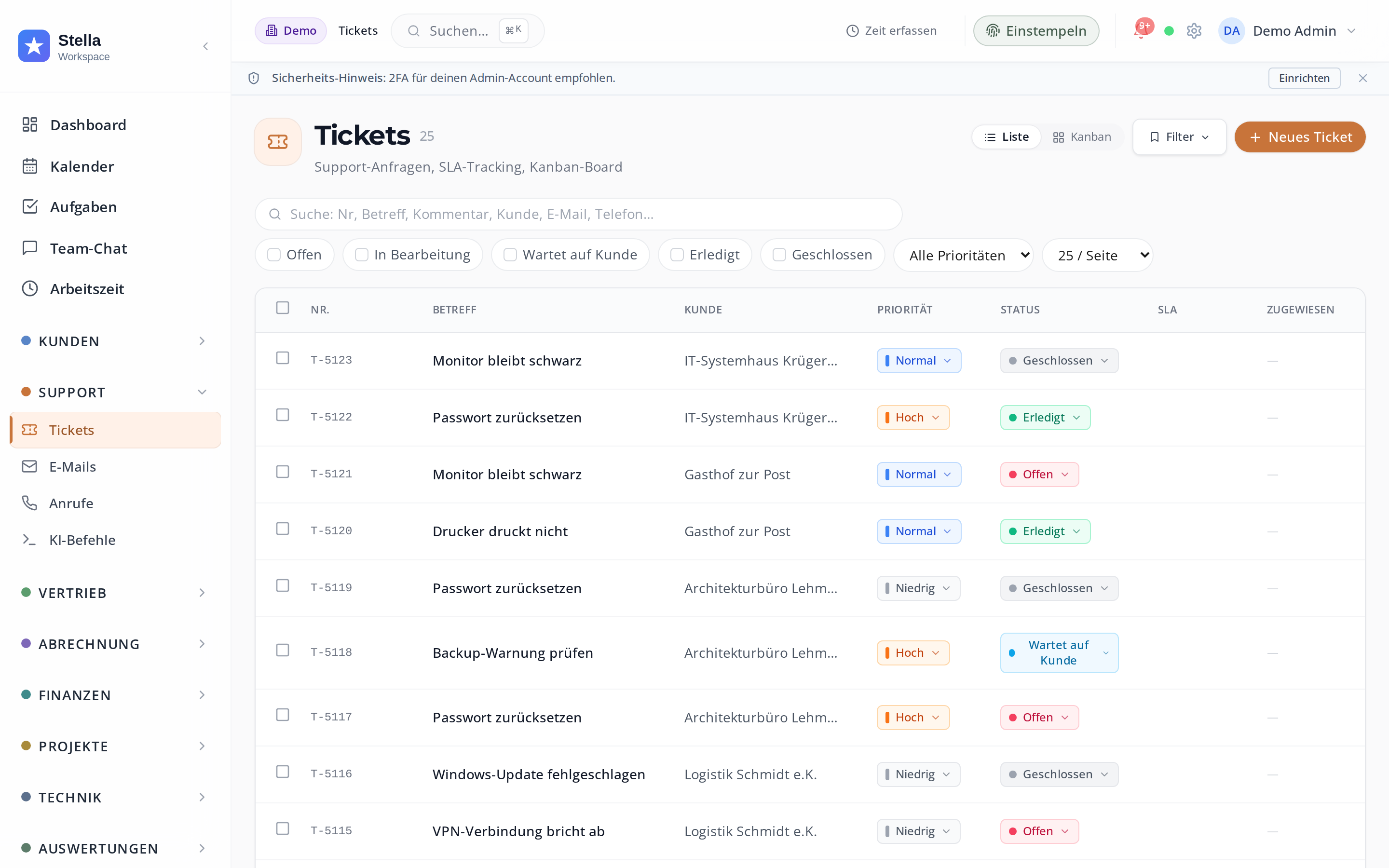
Tickets with real SLAs and a real knowledge base.
Not toy ticketing, but full-fledged service management with an SLA engine, rule-based assignment, a knowledge base and seamless email and phone integration - for every team that handles customer requests.
- Configurable SLAs with escalation
- Automatic assignment by area of expertise, workload and availability
- Knowledge base insertable directly into the reply
- Time tracking directly in the ticket
SLAs that actually trigger an escalation
Per customer, per contract, per ticket category: response time, resolution time, pausing outside service hours and escalation to management when exceeded. The dashboard prominently shows at-risk tickets at the top.
- Response and resolution time configurable separately
- Service hours pause the SLA timer automatically (24/7 or fixed hours)
- Escalation by email and messenger as soon as most of the SLA is used up
- Dashboard widget: at-risk tickets appear right at the top
Tickets land with the right person — automatically
Rule-based assignment by area of expertise, workload (maximum number of open tickets per person) and availability (absences from the calendar). Manual override is possible at any time.
- Skill tags per person, matched via the ticket category
- Load balancing: maximum number of open tickets per person adjustable
- Calendar sync: anyone who is absent is not assigned
- Round-robin distribution as a fallback when no rule applies
Capture knowledge while you work — and reuse it
Articles are linked or newly created while you work. You insert templates directly into your email reply. Articles marked as public appear in the customer portal.
- Editor with formatting, code blocks and screenshots
- Insert into the reply via a shortcut
- Public toggle: article visible in the customer portal
- Full-text search across all articles and ticket histories
Email, phone, portal — every source becomes a ticket
Incoming emails become tickets, and replies in the same thread land as a comment in the right ticket. Calls can create a ticket with a call note. In the customer portal, customers create tickets themselves.
- Email thread: a reply to the ticket email becomes a comment in the ticket
- After the call, a suggested ticket with duration and automatic customer matching
- Customer portal: customers see their own tickets and create new ones
- APIs and webhooks for connected systems
Custom pricing
As individual as your business
You only pay for the modules you use. In a short, free demo we show you Stella live and put together a fitting offer.
No credit card required · ends automatically